
Choose a comfortable step
Follow a breathing rhythm or switch to grounding. You can repeat or skip a step.
When it is hard to know what to do, Self keeps a familiar next step close: breathing prompts, grounding exercises and a way to call someone you trust. Set things up in a calm moment so they are ready when you need them.
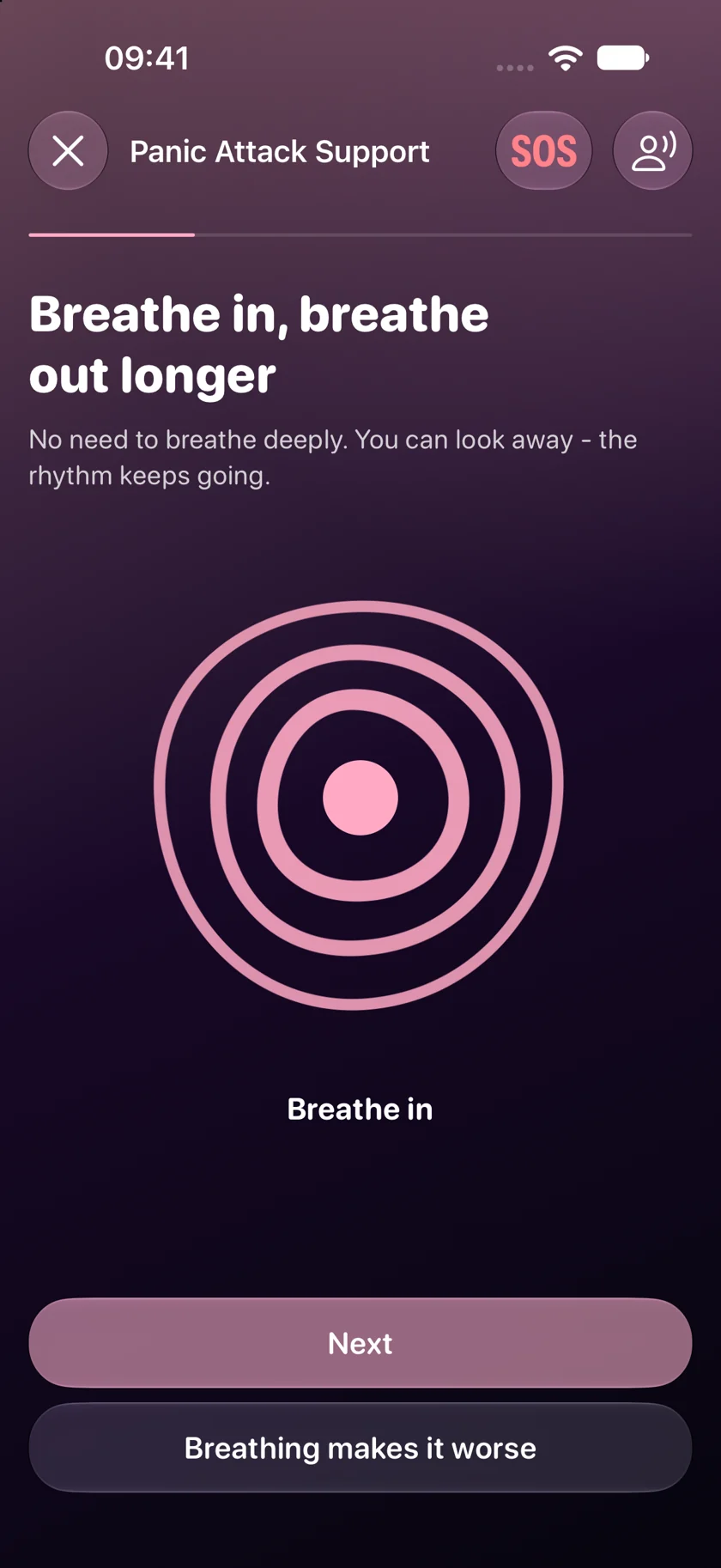
Follow a breathing rhythm or switch to grounding. You can repeat or skip a step.
Choose a trusted contact and favourite media in advance.
Save notes and available heart-rate data, then return to the details later.
Follow an animation or optional voice prompts to breathe in and out. If breathing prompts feel uncomfortable, switch to grounding.
Grounding steps bring attention to objects nearby, sounds and the feeling of your feet on the floor. Move at your own pace, repeat a step or skip it. Voice prompts are available on iPhone and Apple Watch.
After the attack, you can note what happened and how long it lasted. Add a note and available heart-rate data, then look back on the record later.
Export a PDF or CSV with the details you choose. Heart-rate readings are for reference and cannot diagnose a condition.
Self does not replace medical care. If attacks recur or symptoms are new or severe, speak to a doctor.
All Self features are free. No subscription. Available on iPhone, iPad and Apple Watch.
Download on the App Store